
If you’ve been paying $100+ per month for cable TV and wondering whether there’s a better way to watch your favorite channels, you’ve probably come across the term “IPTV.” But what does it actually mean, and how is it different from Netflix, YouTube TV, or your regular cable connection?
In this guide, we’ll break everything down in simple terms — no tech jargon, no confusing acronyms. By the end, you’ll know exactly what IPTV is, how it works, what you need to get started, and whether it’s the right choice for you.
What Does IPTV Stand For?
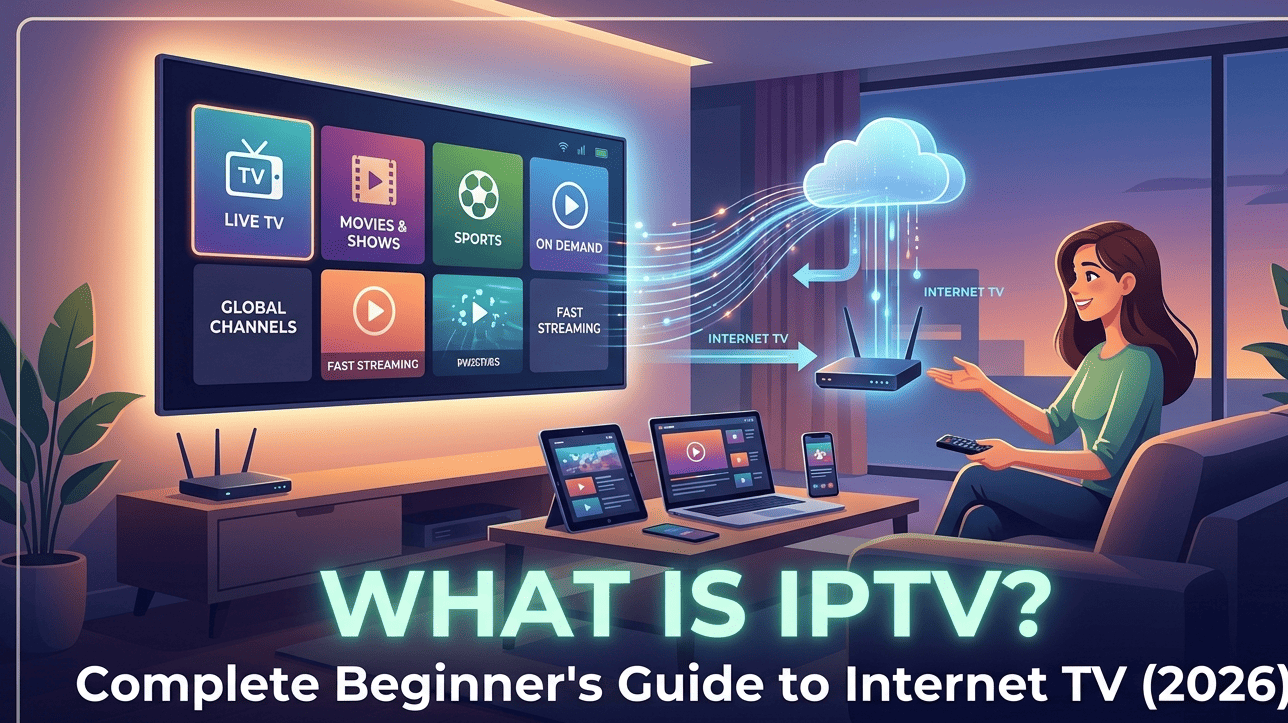
IPTV stands for Internet Protocol Television. In plain English, it simply means watching TV through your internet connection instead of through a cable wire or satellite dish.
Think of it this way: just like you stream music on Spotify instead of buying CDs, IPTV lets you stream live TV channels and on-demand content over the internet instead of relying on traditional cable or satellite infrastructure.
The key difference between IPTV and regular streaming apps like Netflix is that IPTV focuses heavily on live TV channels — the same channels you’d get from cable (ESPN, CNN, BBC, Fox Sports, etc.) — plus a large library of movies and TV shows on demand.
How Does IPTV Actually Work?
When you watch cable TV, the signal travels through a coaxial cable directly to your TV. With satellite, the signal comes from a dish on your roof. IPTV works differently — here’s the simplified version:
- Content servers store TV channels and video content on powerful computers connected to the internet
- When you select a channel or movie, your device sends a request to these servers
- The server sends the video stream directly to your device through your internet connection
- Your IPTV player app decodes the stream and displays it on your screen
This all happens in real-time, so live channels play just like they would on cable — with only a 5-15 second delay in most cases.
The Three Types of IPTV Content
Most IPTV services offer three categories of content:
Live TV — Real-time broadcast channels from around the world. Sports events, news, entertainment, kids’ channels, and international programming. This is the core of any IPTV service.
Video on Demand (VOD) — A library of movies and TV series you can watch anytime, similar to Netflix. New titles are typically added regularly.
Catch-Up TV / Time-Shift — Some services let you watch programs that aired in the past 24-72 hours, so you never miss a show. Think of it as a built-in DVR without needing extra hardware.
What Do You Need to Watch IPTV?
Getting started with IPTV requires three things:
1. A Stable Internet Connection
This is the most important requirement. Your internet speed determines your streaming quality:
| Streaming Quality | Minimum Speed Required |
|---|---|
| SD (Standard Definition) | 3-5 Mbps |
| HD (720p/1080p) | 10-15 Mbps |
| Full HD (1080p smooth) | 15-25 Mbps |
| 4K Ultra HD | 25-50 Mbps |
Pro tip: These speeds are per device. If two people are streaming simultaneously, you’ll need double the bandwidth. A 50 Mbps connection comfortably handles 2-3 HD streams at the same time.
We always recommend using a wired Ethernet connection when possible. Wi-Fi works fine for most people, but if you experience buffering during peak hours or live sports events, switching to a wired connection often solves the problem immediately.
2. A Compatible Device
IPTV works on almost any device you already own:
Amazon Fire TV Stick — The most popular choice for IPTV. Affordable, easy to set up, and runs all major IPTV player apps. The Fire TV Stick 4K Max is the best option if you want 4K streaming.
Smart TVs — Samsung, LG, Sony, and most modern smart TVs support IPTV apps. You can install an IPTV player directly without any additional hardware.
Android TV Boxes — Devices like the NVIDIA Shield or Xiaomi Mi Box run Android TV and support all IPTV apps. Great for people who want a dedicated streaming device.
Smartphones & Tablets — Watch on the go using your iPhone, iPad, or Android device. Most IPTV services have apps for both iOS and Android.
Computers — Windows and Mac users can watch through desktop IPTV players or even through a web browser in some cases.
MAG Boxes — Purpose-built IPTV set-top boxes. Less common now but still used by some providers who prefer dedicated hardware.
3. An IPTV Subscription
You’ll need an active subscription from an IPTV provider. This gives you login credentials (usually a username and password, or an M3U playlist URL) that you enter into your IPTV player app to access the channels and content.
What Are M3U and Xtream Codes? (Simple Explanation)
When you subscribe to an IPTV service, you’ll receive your access details in one of two formats:
M3U Playlist URL — This is simply a web link (URL) that contains a list of all your available channels. You paste this link into your IPTV player app, and it loads all the channels automatically. Think of it like a playlist on Spotify — one link, thousands of channels.
Xtream Codes API — This is a more modern connection method. Instead of a URL, you get a server address, username, and password. You enter these three details into your IPTV app. The advantage of Xtream Codes is that it usually provides a better-organized channel list with categories, an Electronic Program Guide (EPG), and catch-up TV features.
Both methods work well. Most quality IPTV providers support both options and let you choose your preference.
IPTV vs. Cable TV: What’s the Real Difference?
Here’s an honest comparison to help you decide:
| Feature | Cable TV | IPTV |
|---|---|---|
| Monthly Cost | $80-$200+ | $8-$20 |
| Channel Count | 100-300 | 10,000-40,000+ |
| Requires Equipment | Cable box, wiring | Internet + any streaming device |
| Contract | Usually 1-2 year lock-in | No contracts, cancel anytime |
| 4K Content | Limited | Widely available |
| International Channels | Very limited, expensive add-ons | Extensive global coverage |
| Watch on Multiple Devices | Extra fee per TV | Usually 1-4 devices included |
| DVR / Recording | Extra monthly fee | Catch-up TV often included |
Where Cable Still Wins
To be fair, cable TV has some advantages worth considering:
Reliability — Cable doesn’t depend on your internet speed. During internet outages, cable TV keeps working. IPTV goes down when your internet goes down.
Channel stability — Premium cable channels are extremely stable with no buffering. IPTV quality can vary depending on your provider’s server infrastructure and your internet connection.
Sports blackout rules — Some regional sports networks have blackout restrictions that IPTV services may or may not respect, depending on the provider.
Common IPTV Terms You Should Know
If you’re new to IPTV, you’ll encounter some unfamiliar terms. Here’s a quick reference:
EPG (Electronic Program Guide) — An on-screen TV guide that shows what’s currently playing and upcoming programs on each channel. Similar to the channel guide on cable TV.
Buffer / Buffering — When the video pauses to load. This usually happens due to slow internet, server overload during popular events, or Wi-Fi interference.
VOD (Video on Demand) — Movies and TV shows you can watch whenever you want, not tied to a live broadcast schedule.
Multi-screen — The ability to watch on more than one device simultaneously with a single subscription.
Anti-freeze — Technology used by IPTV providers to minimize buffering and ensure smooth playback, especially during high-demand live events.
Connection / Line — One “connection” means one device can stream at a time. Multi-connection plans let multiple devices stream simultaneously.
Is IPTV Worth It in 2026?
Based on where the industry stands today, IPTV makes sense for several types of viewers:
You’ll love IPTV if you:
- Want to cut your TV bill significantly without losing channels
- Watch international channels that cable doesn’t offer (or charges extra for)
- Want to watch TV on multiple devices — TV, phone, tablet, laptop
- Enjoy live sports and want access to PPV events at a fraction of the cost
- Are comfortable with basic technology (installing apps, entering login details)
IPTV might not be for you if:
- You have a very slow or unreliable internet connection (below 10 Mbps)
- You prefer the absolute stability of cable with zero chance of buffering
- You’re not comfortable troubleshooting minor tech issues occasionally
- You live in an area with frequent internet outages
How to Choose a Good IPTV Provider
Not all IPTV services are created equal. Here’s what to look for when evaluating providers:
Free trial availability — Reputable providers offer a free trial (usually 24 hours) so you can test the service before committing. If a provider refuses to offer any trial, consider that a red flag.
Channel quality over quantity — A provider advertising 100,000 channels sounds impressive, but many of those channels might be dead links or low-quality duplicates. Focus on whether the specific channels you care about work reliably in HD or 4K.
Server stability during live events — This is the true test. Anyone can stream a movie smoothly. The real question is whether the service holds up during a Champions League final or UFC pay-per-view event when thousands of users are watching simultaneously.
Customer support responsiveness — When something goes wrong (and occasionally it will), you want a provider with responsive support — ideally live chat or WhatsApp support that responds within an hour, not a generic email address.
Device compatibility — Make sure the service works on your specific device before subscribing. Most services support Fire TV Stick, Smart TVs, and Android, but iOS and MAG box compatibility varies.
Getting Started: Your First Steps
Ready to try IPTV? Here’s a simple action plan:
Step 1: Check your internet speed at speedtest.net. You need at least 15 Mbps for a smooth HD experience. 25+ Mbps is ideal.
Step 2: Decide which device you’ll use. If you don’t have a streaming device, an Amazon Fire TV Stick 4K Max is the most popular and affordable option.
Step 3: Choose an IPTV provider that offers a free trial. Test the specific channels you care about most during the trial period.
Step 4: Download an IPTV player app on your device. Popular options include IPTV Smarters Pro, TiviMate (Android), or GSE Smart IPTV (iOS).
Step 5: Enter your subscription details (M3U URL or Xtream Codes) into the app and start watching.
The entire setup process typically takes 5-10 minutes once you have your subscription details.
Frequently Asked Questions
Does IPTV require a smart TV? No. You can use any TV by connecting a streaming device like a Fire TV Stick or Android box to your TV’s HDMI port.
Can I watch IPTV on my phone? Yes. Most IPTV services work on both iPhone and Android phones through dedicated IPTV player apps.
What happens if my internet goes down? IPTV stops working when your internet is down. This is the one disadvantage compared to cable TV. Having a mobile hotspot as a backup can help in emergencies.
How many devices can I use at once? This depends on your subscription plan. Most providers offer 1-4 simultaneous connections. Check with your provider for specific limits.
Is IPTV the same as Netflix or Hulu? No. Netflix and Hulu are on-demand streaming services with their own original content. IPTV primarily delivers live TV channels from around the world, plus a VOD library. Think of IPTV as a replacement for cable TV, while Netflix is a supplement.
If you’re ready to experience IPTV for yourself, check out our subscription plans and start with a free trial today.